B2B prospecting and outreach in one workspace.
Describe your ideal customer. LeadTerminal finds relevant prospects, prepares personalized emails, and keeps follow-ups and replies together.
We’ll reply by email and help you get started personally.
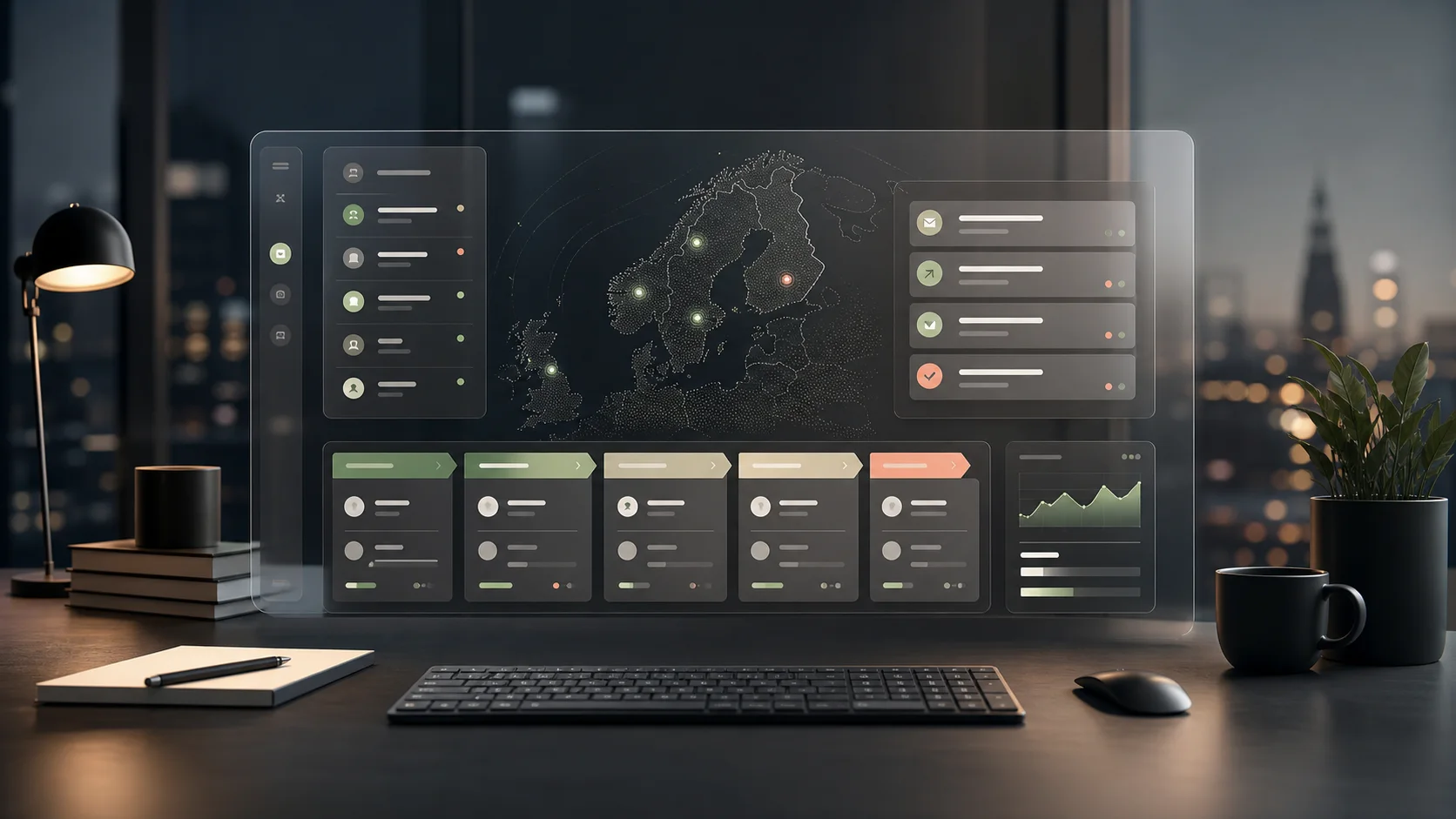
See LeadTerminal at work.
Choose your target customers and offer, then review contacts, prepare messages and follow the replies. Open each step below.
Review the contacts.See the person, role and company together.
Open a company to review its contacts and their roles. Choose the people whose responsibilities match your offer.
Choose who to contact before preparing messages.
Open full-size screenshot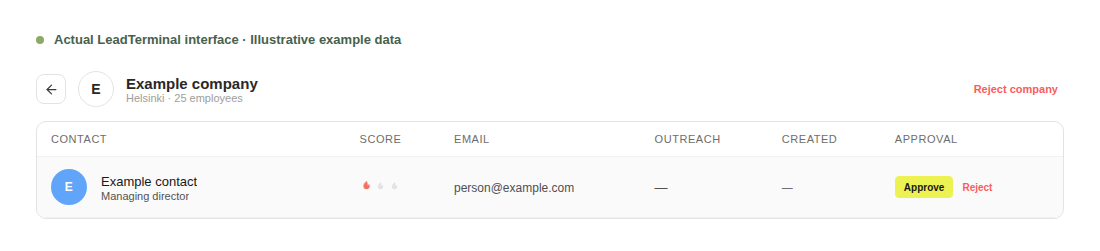
Review the email.Edit the subject and message before approval.
LeadTerminal prepares a draft from your offer and the company context. Check the wording, make your changes and approve the message.
Review messages yourself or enable campaign Autopilot.
Open full-size screenshot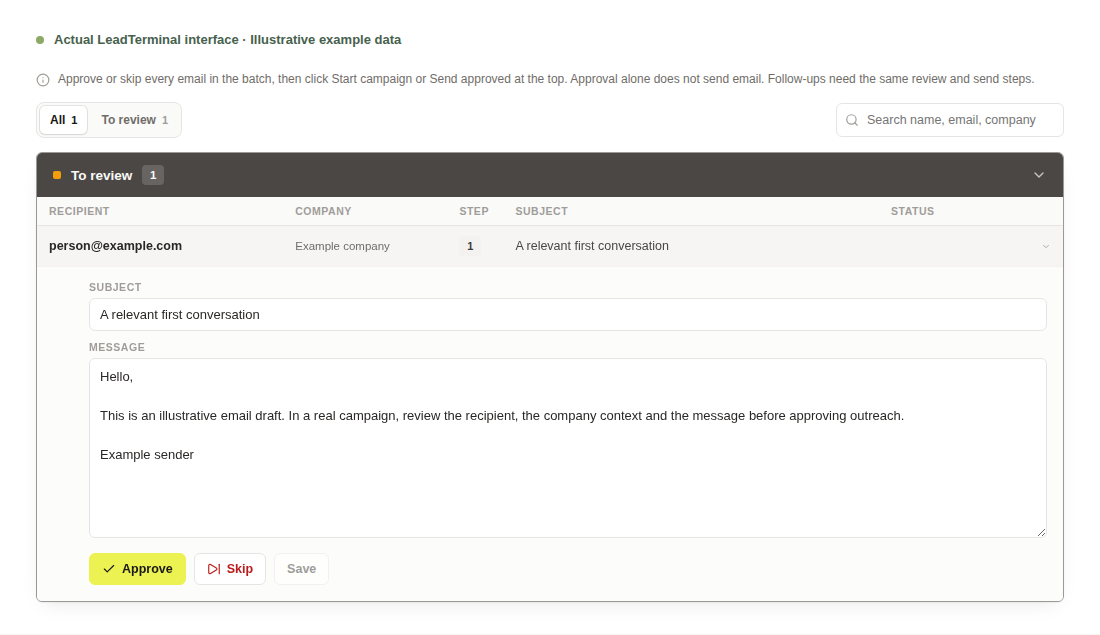
Follow the replies.See which messages received a response.
A human reply stops further campaign follow-ups to that recipient. Continue the conversation in the inbox. Automatic responses are handled separately.
Keep replies with the earlier conversation.
Open full-size screenshot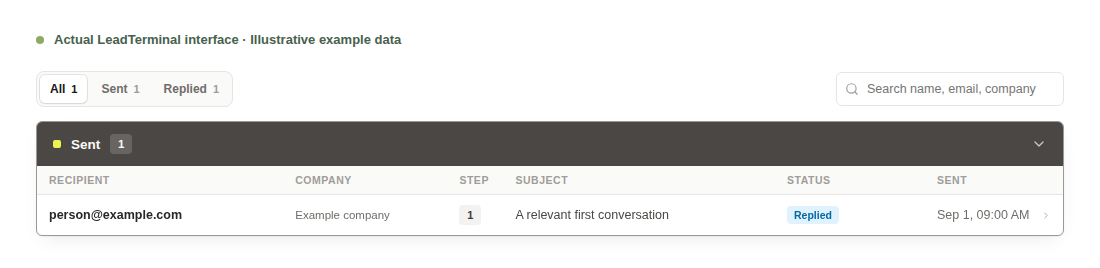
Find the clients your business is built to serve.
Explore practical ways to introduce your services, reach suitable businesses and turn replies into conversations.
IT services and consultancies
LeadTerminal is software that automatically finds potential business customers and prepares personalized outreach. For an IT consultancy or service provider, start with one offer and the companies it suits. Build conversations around work your team can deliver, from the first message to the next follow-up.
Marketing agencies
LeadTerminal is software that helps your agency automatically find potential customers and prepare personalized outreach for its own business development. Start with one clear service. Reach businesses that fit your work and use their replies to understand whether a conversation makes sense.
Accounting firms
LeadTerminal is software that automatically finds potential business customers and prepares personalized outreach. For an accounting firm, focus on businesses that fit the services your team provides. Introduce a clear offer and use the conversation to learn whether the timing and requirements are a match.
Free tools for your email setup.
Check your domain records and the text of your message before you send. No sign-up needed.
Email domain checker
See your MX, SPF, DKIM and DMARC records in plain language, with the record to publish for anything that fails.
SPF checker
See your SPF record, every include it pulls in and how many of the 10 DNS lookups it uses.
DKIM checker
Find your DKIM key without knowing its selector, and see whether it is long enough.
DMARC checker
See your DMARC policy, where reports go and the next record to publish.
MX lookup
See a domain's mail servers in priority order and which provider runs them.
SPF record generator
Pick the services that send your email and get one SPF record with its DNS lookups counted.
DMARC record generator
Choose a policy and a reports address and get a DMARC record with every tag explained.
Email spam checker
Check a subject line and message for spam words, placeholders, links and other common mistakes. The text stays in your browser.